
 Jolie Serrano
We’ve all been there.
You have dozens of beautiful presentation templates saved on your computer, in Google Drive, or hidden inside old download folders. One has a great timeline. Another has the perfect pricing slide. Another has a beautiful team layout. Another has a chart you really like.
But when it’s time to create a new presentation, finding the right slide becomes a project of its own.
You open one template, then another, then another. You copy slides from different files, adjust fonts, fix colors, resize elements, and suddenly you’ve spent more time organizing templates than actually building your presentation.
That’s exactly why I wanted to create something different.
One Presentation Template Instead of Dozens
Rather than creating another template with only a few specific layouts, I built one complete presentation system with 302 unique slides organized into 19 categories.
The idea is simple:
Instead of searching through multiple templates every time you need a specific slide, you open one file, go directly to the category you need, choose your favorite layout, and build your presentation from there.
Need a company profile? Go to the About Us section.
Need to explain a process? Choose from horizontal, vertical, cycle, or creative process layouts.
Need to show data? Use the charts, dashboards, or tables section.
Need a roadmap, pricing slide, timeline, comparison, testimonial, or team slide? They’re already organized for you.
The goal is not to use all 302 slides in one presentation. The goal is to have enough options so you can choose exactly what you need for each project.
What’s Inside the Template?
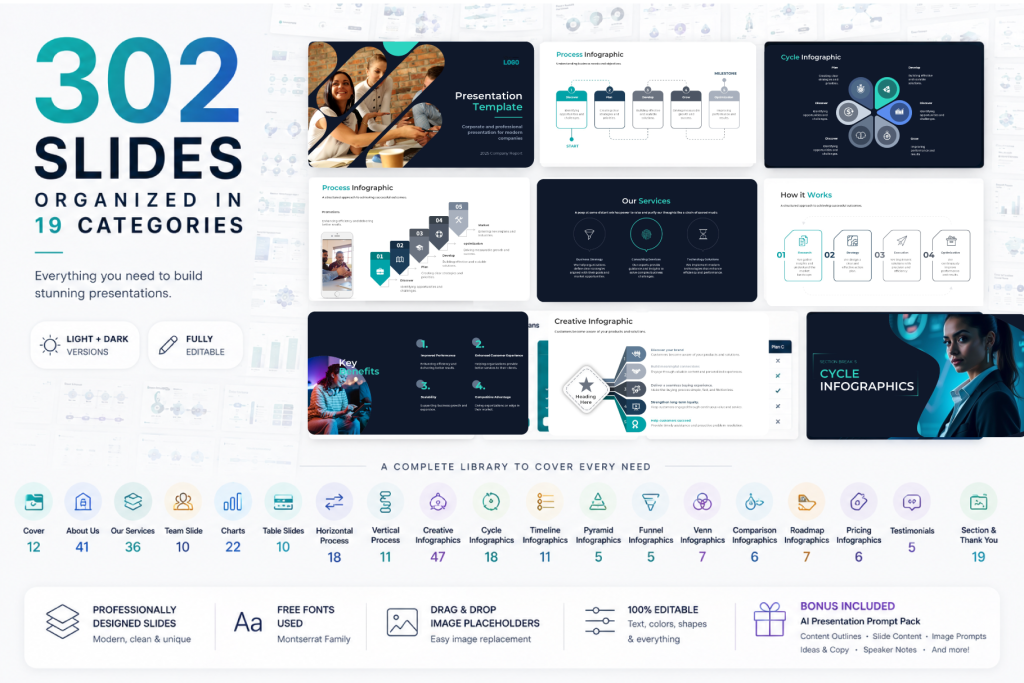
The bundle includes slide layouts for:
- Cover Slides
- About Us
- Services
- Team
- Charts & Dashboards
- Tables
- Horizontal Process Infographics
- Vertical Process Infographics
- Creative Infographics
- Cycle Infographics
- Timeline Infographics
- Pyramid Infographics
- Funnel Infographics
- Venn Diagrams
- Comparison Slides
- Roadmaps
- Pricing Slides
- Testimonials
- Thank You Slides
This means you can use the same presentation system for very different purposes.
You can create a company profile today, a sales proposal next week, a strategy presentation next month, and a client report later — all from the same bundle.
How to Use the Template
The easiest way to work with the bundle is to think about your presentation in sections.
Start by deciding what your presentation needs to communicate.
For example, a business presentation might include:
- Cover
- Company Overview
- The Problem
- Our Solution
- Services
- Process
- Key Benefits
- Data or KPIs
- Roadmap
- Team
- Pricing
- Next Steps
Once you know the structure, simply go to each category and choose the slide layout that best fits your message.
You don’t need to redesign anything from scratch.
Just select the slides you want, duplicate them into your presentation, replace the content, update the images, and customize the colors if needed.
This makes the workflow much faster because you spend your time deciding what to say, not designing every slide from zero.
Light and Dark Versions Included
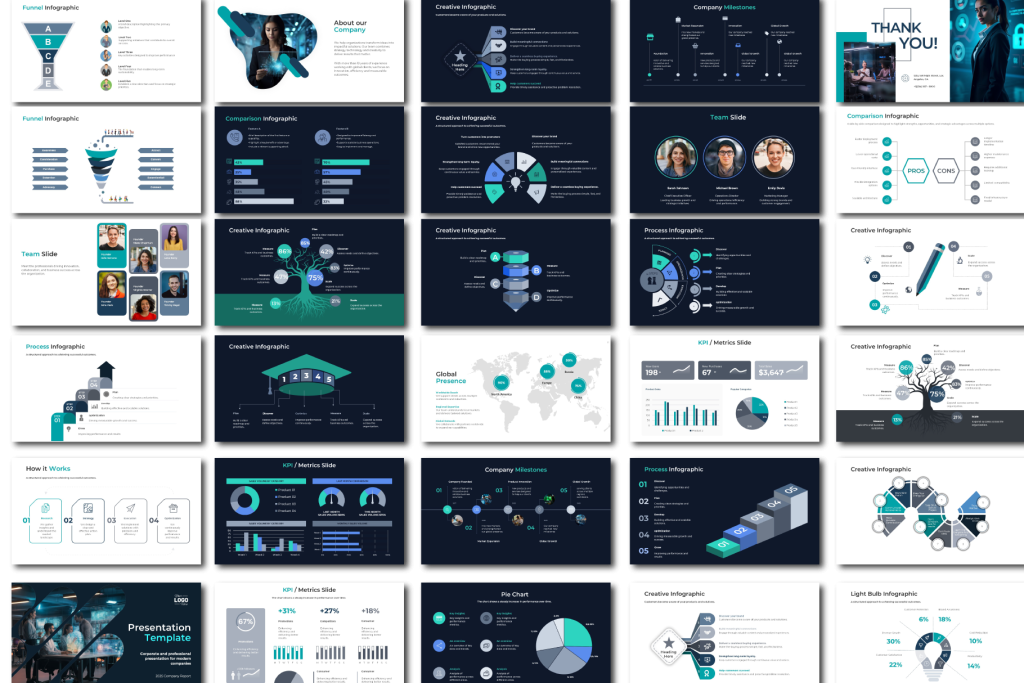
The bundle includes both Light and Dark versions.
The Light version works well for clean, corporate, minimal, and professional presentations.
The Dark version is ideal when you want a stronger, more premium, or more visual look.
Both versions use the same presentation system, so you can choose the style that best fits your project without changing the way you work.
Use It in PowerPoint, Google Slides, or Keynote
The template is available in:
PowerPoint
Google Slides
Keynote
Both Light and Dark versions are included for all three platforms.
This means you can use the same design system whether you prefer Microsoft PowerPoint, work collaboratively in Google Slides, or create presentations in Keynote.
Each version has been reviewed and adjusted for its platform, including image replacement and layout compatibility.
Customize It to Match Your Brand
The template already includes a versatile professional color palette, but you can easily change it to match your own brand.
You can customize:
- Theme colors
- Text
- Fonts
- Images
- Shapes
- Icons
- Charts
- Backgrounds
The template uses Montserrat SemiBold for headings and Montserrat for body text, creating a clean and modern visual system.
When theme-linked colors are updated, many elements across the presentation update automatically, making brand customization much faster.
Use AI to Create the Content
One of the biggest changes in presentation design today is AI.
AI can help you create outlines, write slide content, generate ideas, prepare speaker notes, summarize information, and even create visual concepts.
That’s why the bundle also includes an AI Presentation Prompt Pack – Premium Edition.
It includes prompts for:
- Presentation outlines
- Slide content
- Headlines and copy
- Image ideas
- AI image generation
- Speaker notes
- Data storytelling
- Chart recommendations
- Executive summaries
- Presentation reviews
- Final presentation checks
The idea is simple:
AI helps you create the content.
The template helps you present it professionally.
Why One Complete Template Can Be Better Than Many Small Templates
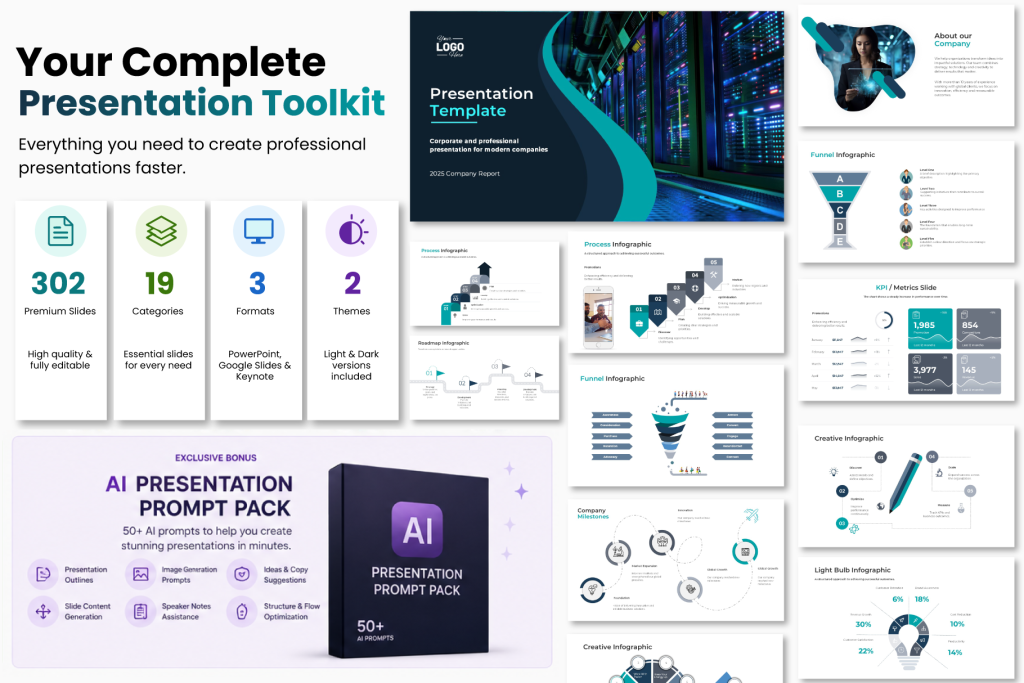
Having many presentation templates can be useful, but it can also create unnecessary friction.
Different templates often use different:
- Fonts
- Colors
- Icon styles
- Margins
- Layout systems
- Visual styles
When you combine slides from different templates, you often need to redesign them so everything feels consistent.
A complete presentation system solves that problem.
Every slide belongs to the same visual language, so you can mix a timeline with a team slide, a chart, a roadmap, and a pricing slide without making your presentation look like it came from five different templates.
Who Is This Template For?
This bundle is designed for anyone who regularly creates presentations, including:
- Entrepreneurs
- Marketing teams
- Consultants
- Agencies
- Startups
- Sales teams
- Corporate teams
- Students
- Educators
- Freelancers
- Project managers
- Business professionals
Whether you create presentations every week or only occasionally, having one organized presentation system can save a surprising amount of time.
Stop Searching. Start Building.
The goal of this bundle is not to give you more templates to organize.
It’s to give you one place to find the slides you need.
Choose the category.
Pick the layout.
Add your content.
Customize it.
Present.
That’s it.
Want to explore the complete bundle?
Discover the Professional Business Presentation Template Bundle with 302 editable slides, Light & Dark themes, and versions for PowerPoint, Google Slides, and Keynote.
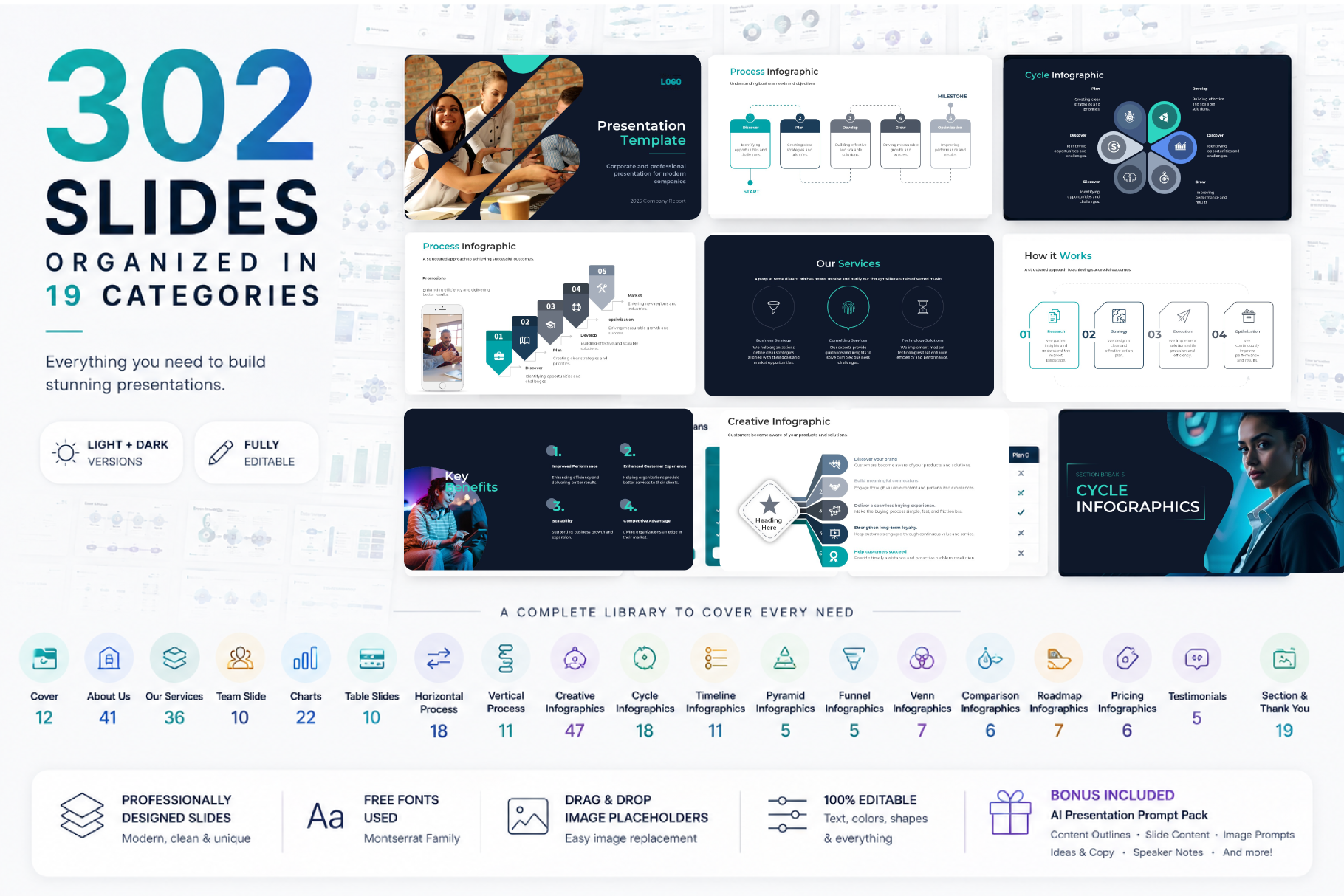
Get 302 Professional Business Slides in One Complete Bundle
🚀 Build polished presentations faster with a complete collection of ready-to-use business slides.
Limited-Time Launch Offer
$50.00
→
$7.00
If my PowerPoint Templates helped you, consider supporting with a donation! Every bit helps me keep creating free content. 😊
If you liked the presentation and want to thank, you can follow me on social networks
Facebook| Instagram | Youtube | Twitter | TikTok | Pinterest | LinkedIn
You Also Might Like: Abstract PPT | Business PPT | Creative PPT | Powerpoint Templates Design Ideas | Education PPT | Minimalist PPT | Professional PPT | Simple PTT | Profession


GIPHY App Key not set. Please check settings