
 Jolie Serrano
We have to talk about this….
AI is everywhere right now. And if we want to stay productive, we have to use it. In my opinion, it’s our partner—not our enemy, isn’t it?
But let’s get to the main point. AI can create presentations in seconds, but here’s the truth no one tells you: Most AI-generated presentations are… average.
- They’re not bad.
- They’re just not memorable.
And if you want to create a great presentation, it has to be memorable—something people think about, talk about, and remember after you’re done.
So if you’re here thinking:
“Which AI should I use to create amazing presentations?”
I’ll give you a better answer: Which AI tools are actually useful… and which ones are overrated.
First, what AI can (and cannot) do in presentations
Before we jump into tools, let’s get this clear:
AI is great when it comes to getting you started. It can quickly generate the structure of your presentation, define a clear flow, and even write the first draft of your content. It can also suggest layouts and help you speed up the entire design process, which is perfect when you’re staring at a blank slide and don’t know where to begin.
However, AI still struggles with the things that actually make a presentation stand out. It’s not great at storytelling with intention, building strategic messaging, or creating high-end visual design. And most importantly, it lacks emotional impact. That human touch—the one that makes people feel something and remember your presentation—is something AI simply can’t replicate.
Translation: AI helps you start faster…But you still need to finish strong.
1. Beautiful.ai – The “safe” option
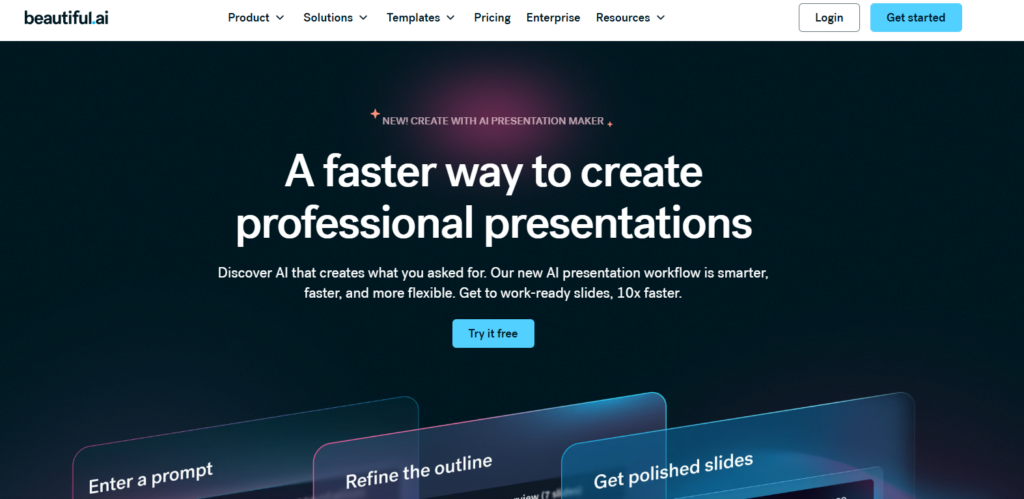
If you’re looking for something that looks clean, works fast, and doesn’t require any design skills… this is it.
It’s one of those tools that just makes everything feel easy. You don’t have to think too much about layout or alignment because it automatically adjusts everything for you. The templates are modern, polished, and perfect if you just want something that “looks good” without spending hours designing.
But here’s the thing…
That same simplicity can also be its biggest limitation.
Because everything is so automated, you don’t have much room to be creative. The slides can start to feel repetitive, and if you’re trying to build something unique or aligned with a strong brand… it might fall short.
💡 My take:
Perfect for corporate decks…
Not for standing out.
Quick summary:
Pros:
- Auto-adjusting layouts
- Clean, modern templates
- Very beginner-friendly
Cons:
Not ideal for unique brands
Not for standing out.
Limited creativity
Slides can feel repetitive
2. Plus AI – The closest thing to “AI + PowerPoint”
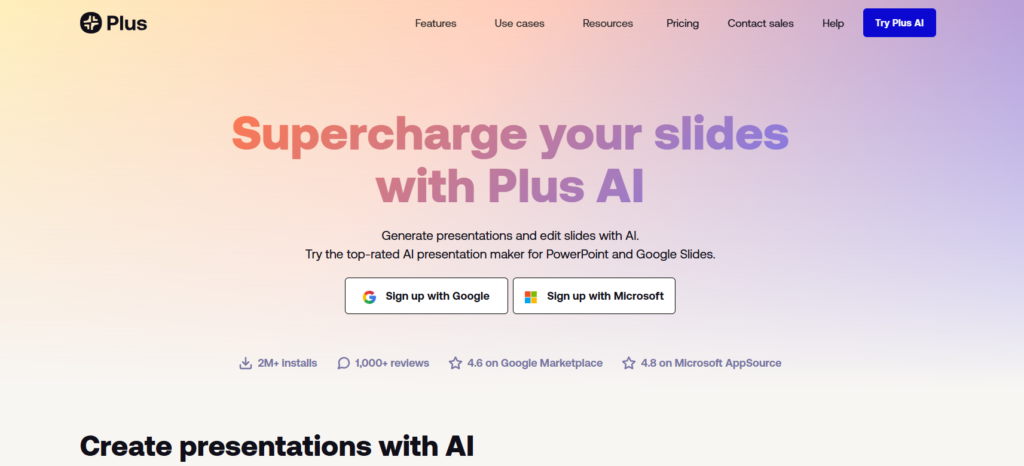
This one is different… because it actually connects with real presentation tools like PowerPoint and Google Slides.
Instead of creating slides in a separate platform, it helps you generate content and layouts directly where you already work. And that makes a huge difference.
If your goal is to use AI but still end up with a polished PowerPoint presentation, this is one of the best options right now.
But even then…
You’ll still need to refine the slides. Because while it gives you a great starting point, it doesn’t fully replace design decisions.
💡 My take:
One of the most practical AI tools right now…
Especially if you actually use PowerPoint.
Quick summary:
Pros:
- Works with PowerPoint and Google Slides
- Strong for real workflows
- Saves time on content creation
Cons:
Limited creative control vs full design
Still needs manual refinement
3. Gamma – The modern hybrid
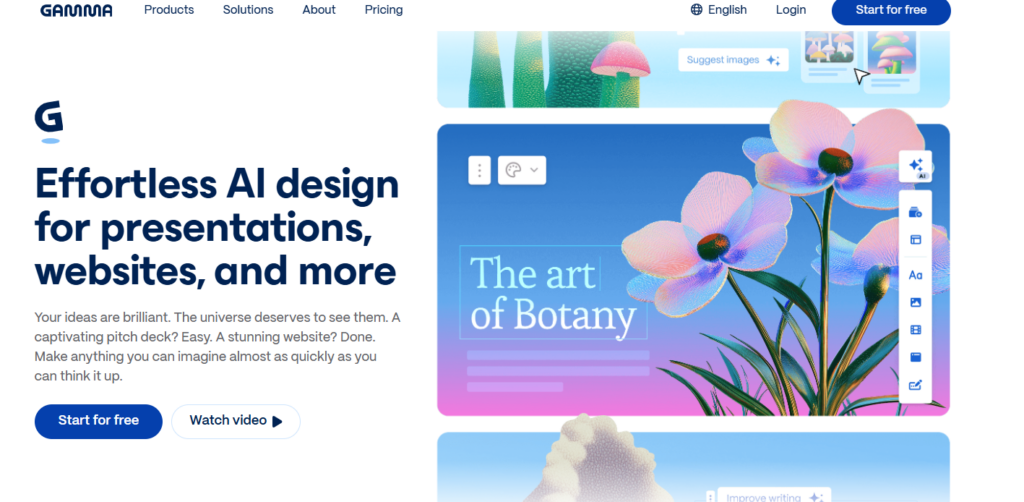
Gamma feels like a mix between slides, documents, and a website. And honestly, that’s what makes it feel fresh.
It’s clean, interactive, and very easy to use. The AI does a good job generating content, and the overall experience feels modern compared to traditional presentation tools.
But here’s the thing…
It’s not really built for PowerPoint.
So if your goal is to create something highly customized, branded, or ready for a client presentation in PowerPoint, you might feel a bit restricted.
💡 My take:
Cool and modern…
But not ideal for high-end PowerPoint presentations.
Quick summary:
Pros:
- Clean and modern interface
- Interactive feel
- Good AI content generation
Cons:
- Not PowerPoint-native
- Limited customization
- Not ideal for advanced design
4. Canva – The popular choice
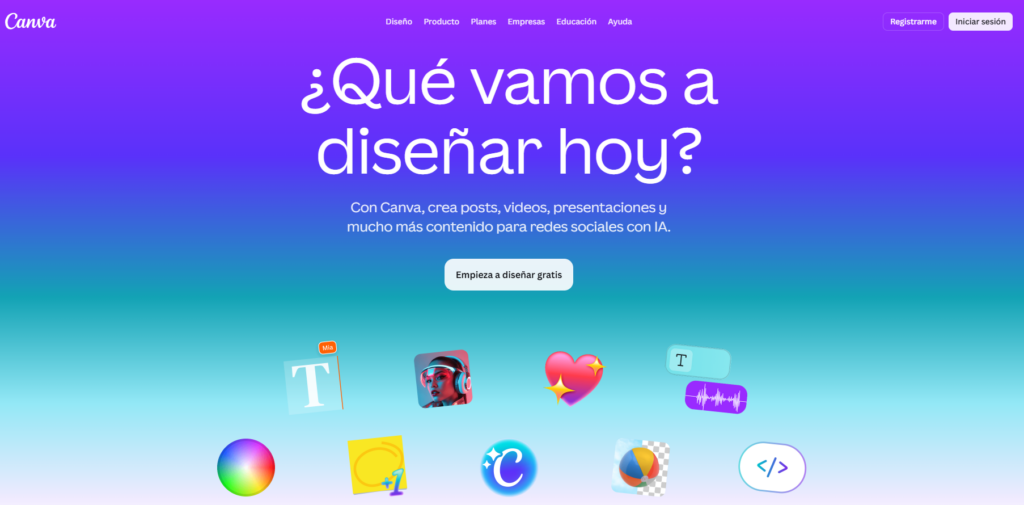
We all know Canva… and yes, it’s getting better with AI.
It’s super easy to use, has tons of templates, and you can create something decent in minutes. For quick content, social-style slides, or simple presentations, it works really well.
But if you’ve used it for a while, you probably noticed something…A lot of designs start to look the same.
And when you try to push it further—more complex layouts, more control, more customization—it starts to feel limiting compared to PowerPoint.
💡 My take:
Great for speed and simplicity…
But not for high-end presentations.
Quick summary:
Pros:
- Easy to use
- Huge template library
- Fast content creation
Cons:
- Designs can feel generic
- Limited control vs PowerPoint
- Export issues sometimes
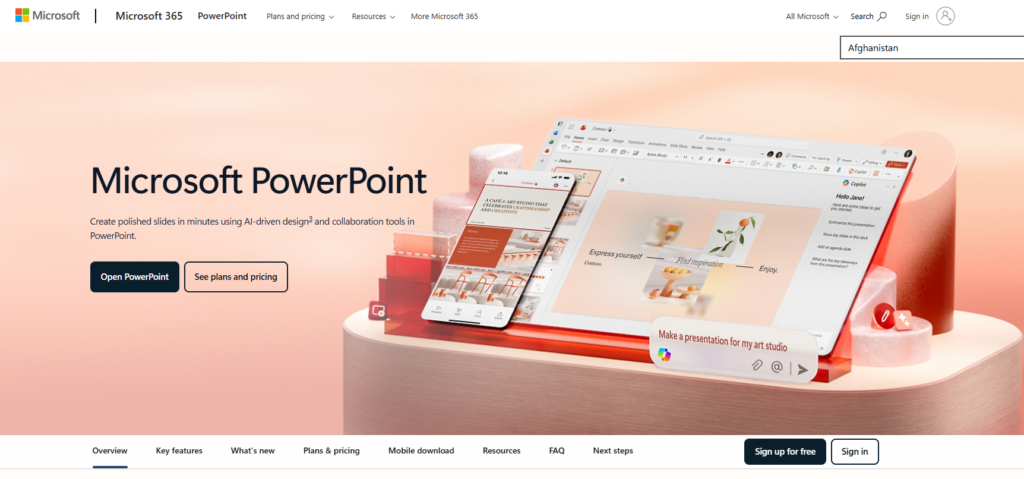
5. Microsoft PowerPoint + AI – Still undefeated
Here’s the unpopular opinion…
The best AI tool for presentations is still PowerPoint.
Not because it creates slides for you automatically—but because it gives you full control to actually build something great.
With features like Designer, Copilot, Morph transitions, and Slide Master systems, you can combine AI assistance with real design. You’re not locked into templates, and you’re not limited by a system.
Yes, it requires more effort.
But the result? Way more powerful.
💡 My take:
AI helps you start…
PowerPoint helps you stand out.
Quick summary:
Pros:
- Full design control
- Professional results
- Scalable and customizable
- AI features integrated
Cons:
- Requires more effort
- Learning curve if you’re a beginner
The Real Workflow (What Actually Works in 2026)
Here’s the real workflow no one tells you…
If you want presentations that actually stand out in 2026, it’s not about choosing the “perfect AI tool.” It’s about how you use AI within your process.
Step 1: Use AI for thinking
This is where AI really shines.
Tools like ChatGPT or Copilot are incredibly powerful when it comes to getting you started. You can use them to generate structure, organize your ideas, and define your messaging in seconds. Instead of staring at a blank slide, you already have a clear direction.
And honestly… this is where AI is at its best.
It helps you think faster, explore ideas, and break that initial creative block.
Step 2: Move everything into Microsoft PowerPoint (or Your Preferred Tool)
Now this is where things get serious.
Once you have your content, you move everything into PowerPoint (or your preferred tool). This is where you actually design your slides, control layout and spacing, apply your branding, and build a visual system that makes sense.
You’re no longer just “generating slides”… you’re crafting a presentation.
And of course, if you want to make things even easier, you can always start with ready-to-use templates. Using well-designed templates saves you time and helps you create something that actually looks professional from the beginning.
👉 I personally recommend using my free PowerPoint Templates—they’re designed to help you stand out, no matter the topic or industry, without overcomplicating the design process.
This is where quality happens.
Step 3: Make it human again
This is the step that separates average presentations from great ones.
And it’s the one most people skip.
Once you have your slides, you need to go back and edit everything. Simplify the text, improve the flow, and make sure every slide has intention behind it.
Because AI doesn’t understand:
- Your audience
- Your objective
- Your message
It just generates content.
You are the one who gives it meaning.
The biggest mistake people are making in 2026
They think:
👉 AI = finished presentation
But in reality:
👉 AI = first draft
And if you skip the refinement step…
Your presentation will look like everyone else’s.
The Real Advantage in 2026
The people who are actually standing out right now are not the ones using AI tools just because they’re trending. And they’re definitely not the ones generating slides in one click and calling it a day.
The ones who really stand out are the ones who know how to think with AI, design with intention, and refine their message until it actually makes sense and connects.
Because at the end of the day, it’s not about the tool…
It’s about how you use it.
Final Thought
AI can generate slides, yes.
But it can’t tell your story, understand your audience, or create real impact. That part is still on you.
And honestly… that’s a good thing.
Because that’s exactly where the difference is made.
When you combine AI with PowerPoint and strong storytelling, you’re not just creating presentations—you’re creating something people actually remember.
One last thing…
AI presentation tools evolve fast. Some rise quickly, get a lot of hype, and then disappear or change direction. Tome is a perfect example—it was one of the most popular tools not long ago, and today it’s no longer a real option for creating presentations.
👉 That’s why learning the fundamentals (and mastering PowerPoint) will always be your best advantage.example—it was one of the most popular tools, and today it’s no longer usable.”
FAQs About AI and PowerPoint (2026)
Can AI create PowerPoint presentations automatically?
Yes, but most AI tools generate presentations outside of PowerPoint. You’ll still need to edit and refine them inside PowerPoint for professional results.
What is the best AI tool for PowerPoint presentations?
There’s no single tool that replaces PowerPoint. The best approach is combining AI tools like ChatGPT with Microsoft PowerPoint for design and final delivery.
Is AI better than PowerPoint?
No. AI helps with speed and ideas, but PowerPoint still offers better control, customization, and professional quality.

GIPHY App Key not set. Please check settings